
 PrintMetria
Physical size for images and PDFs
Set the size. Print the sheets.
PrintMetria is an app for iPhone, iPad and Android that sets the physical size of images and PDFs, in millimeters, centimeters or inches, and prints or exports them. One document at a size you choose, several images on one sheet, or a large template split across sheets to tape together.

For jobs where the size matters
Size is a number you set.
Type a width, a height or a scale, or mark a length you know in the image and enter its real distance. Zooming on the screen never changes the size. When the job is ready, make a PDF, save it to Files, share it or print with AirPrint. Every job that fits on one sheet is free, with PDF export, printing and the test page. One purchase inside the app, the full version, prints and exports jobs of more than one sheet. No subscription, no ads, no account and no sign-in.
- Platform
- iPhone and iPad · iOS 18 or later
Android 8.0 or later - Status
- Available on Google Play · iPhone & iPad in development
- Privacy
- Data Not Collected (App Store label)
- Languages
- English, Spanish, Brazilian Portuguese, French, German, Arabic, Russian

Screens
Eight screens from version 1.0.
The App Store screenshots prepared for version 1.0: each shows the app on the iPhone with a sample job of our own.
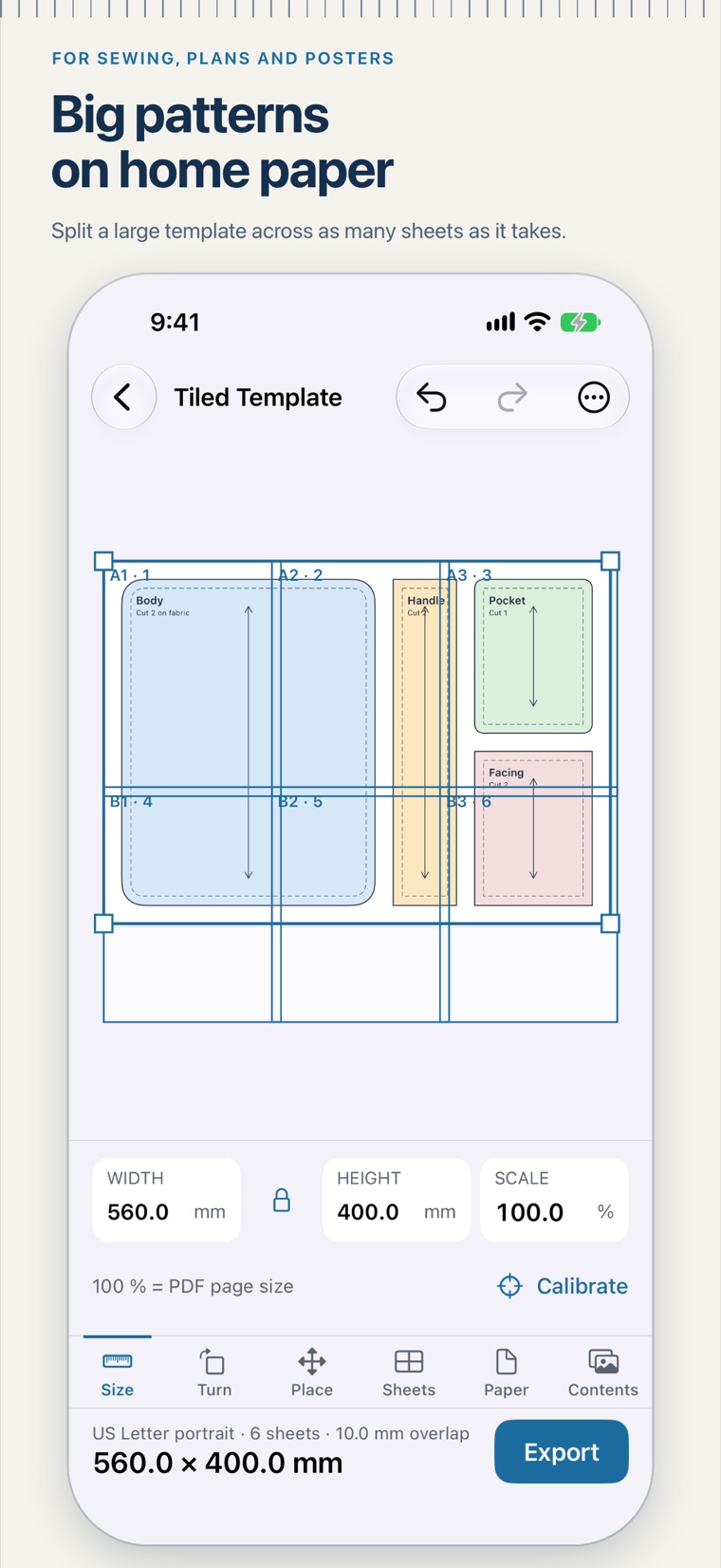
01Big patterns on home paper 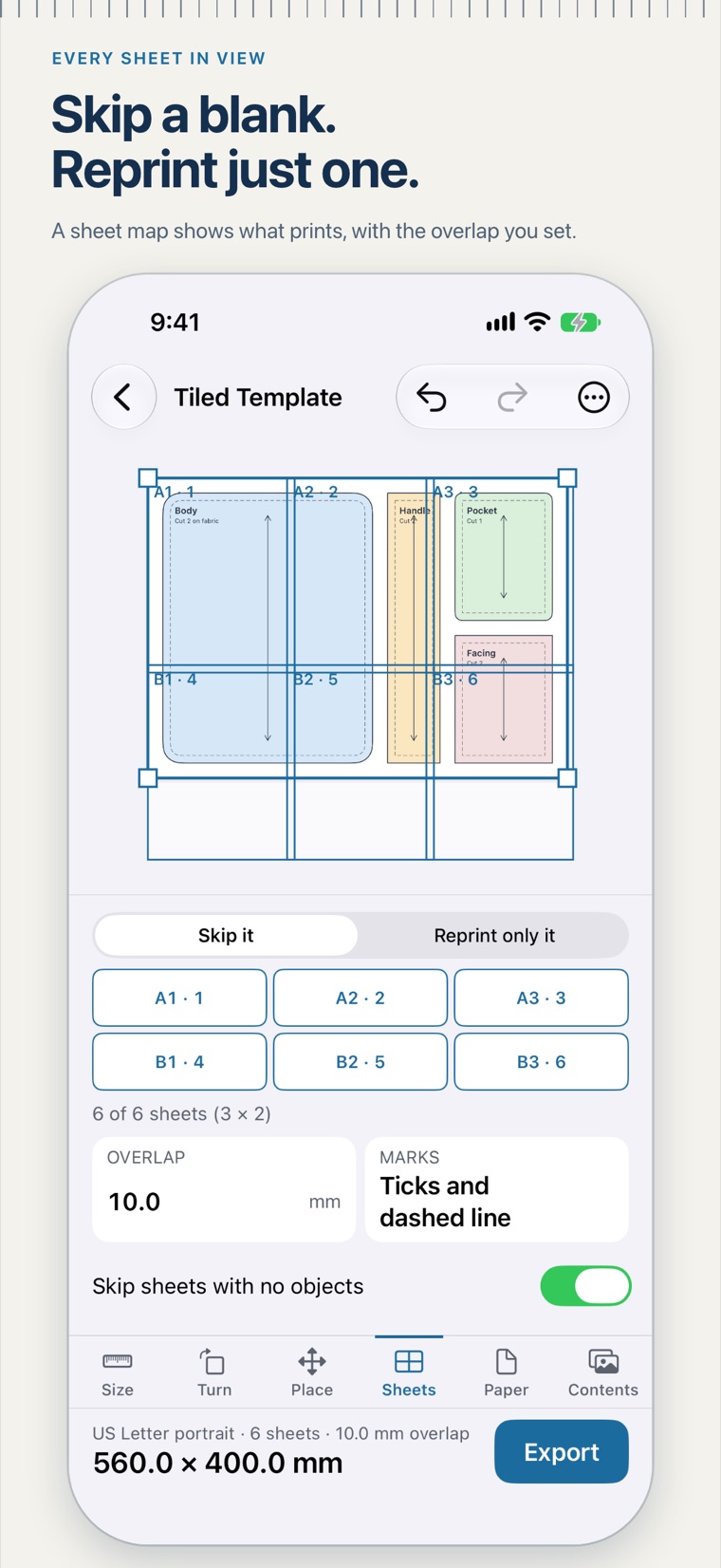
02Skip a blank. Reprint just one. 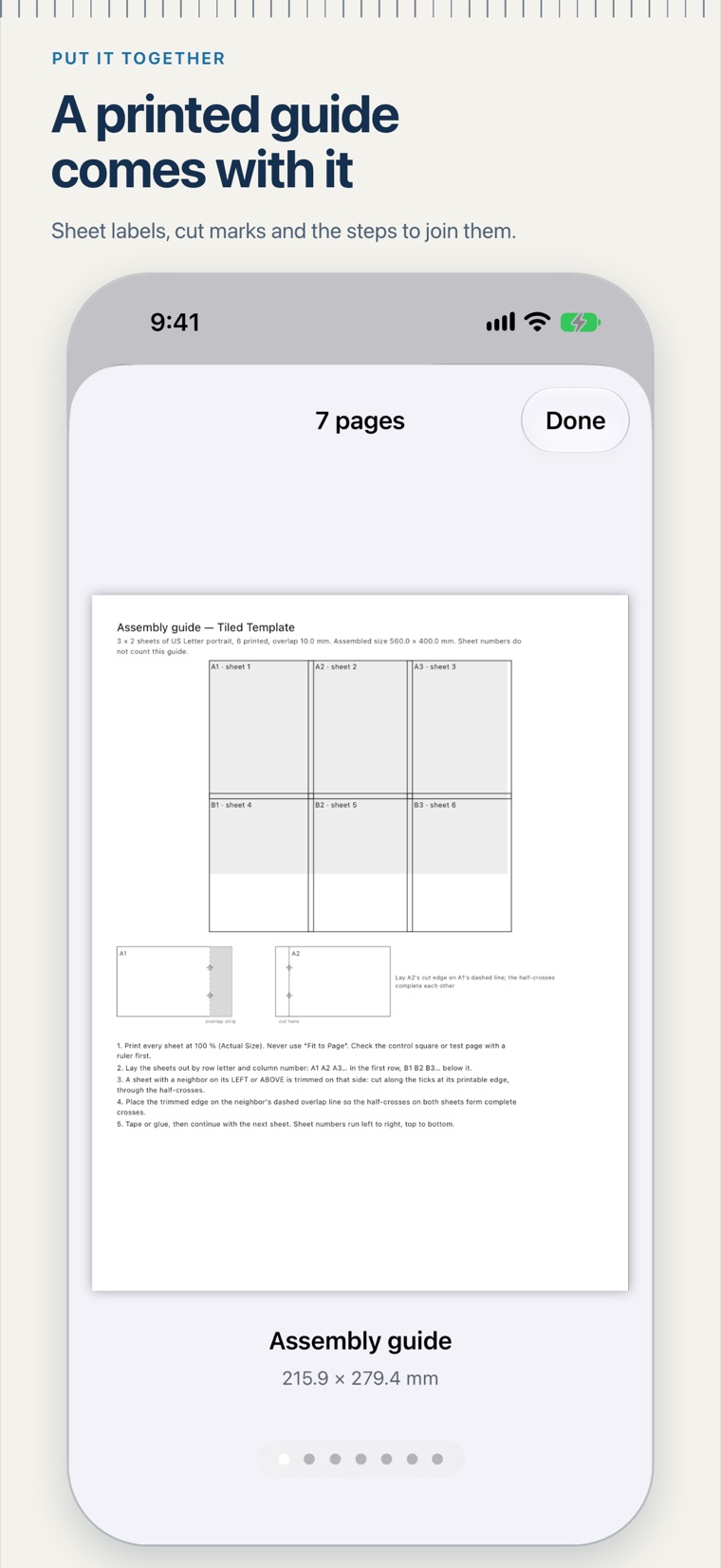
03A printed guide comes with it 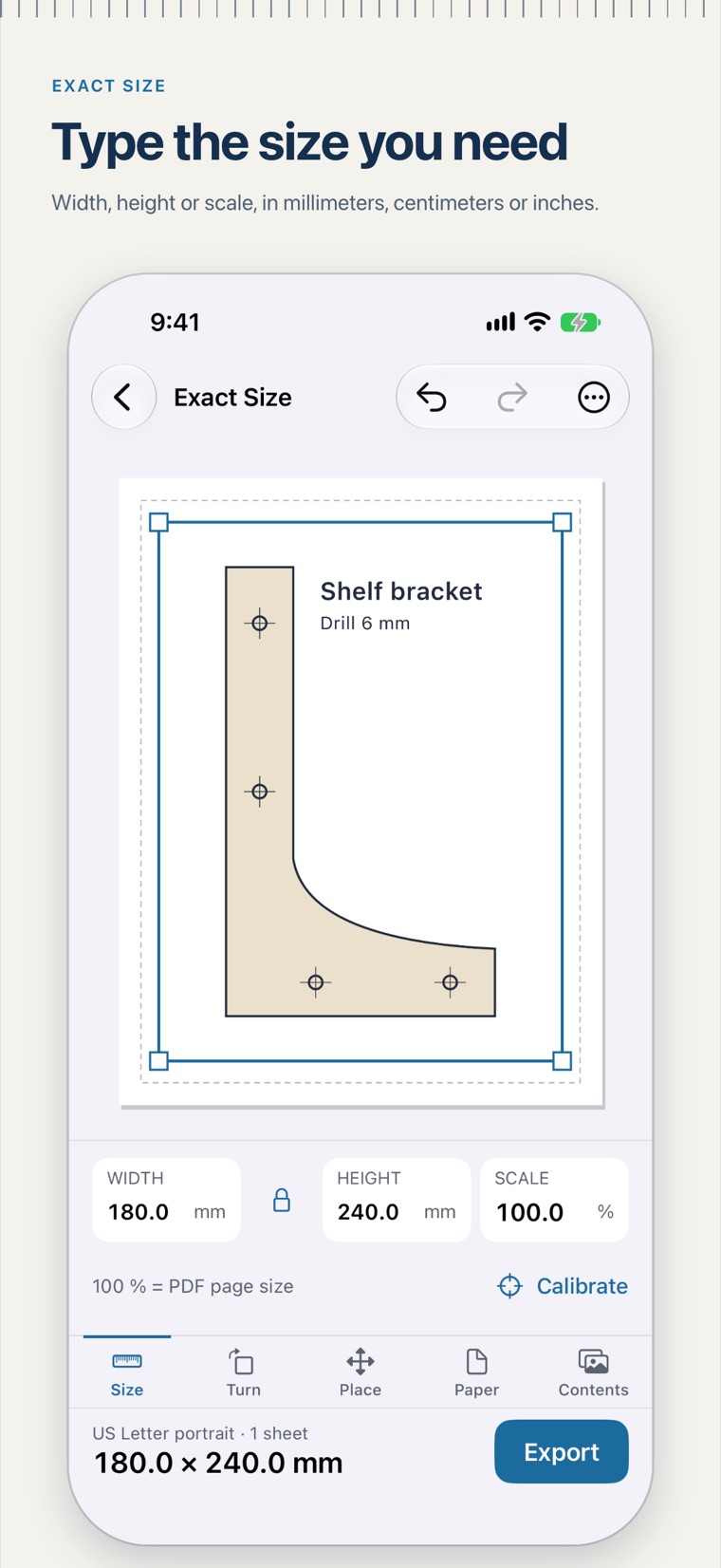
04Type the size you need 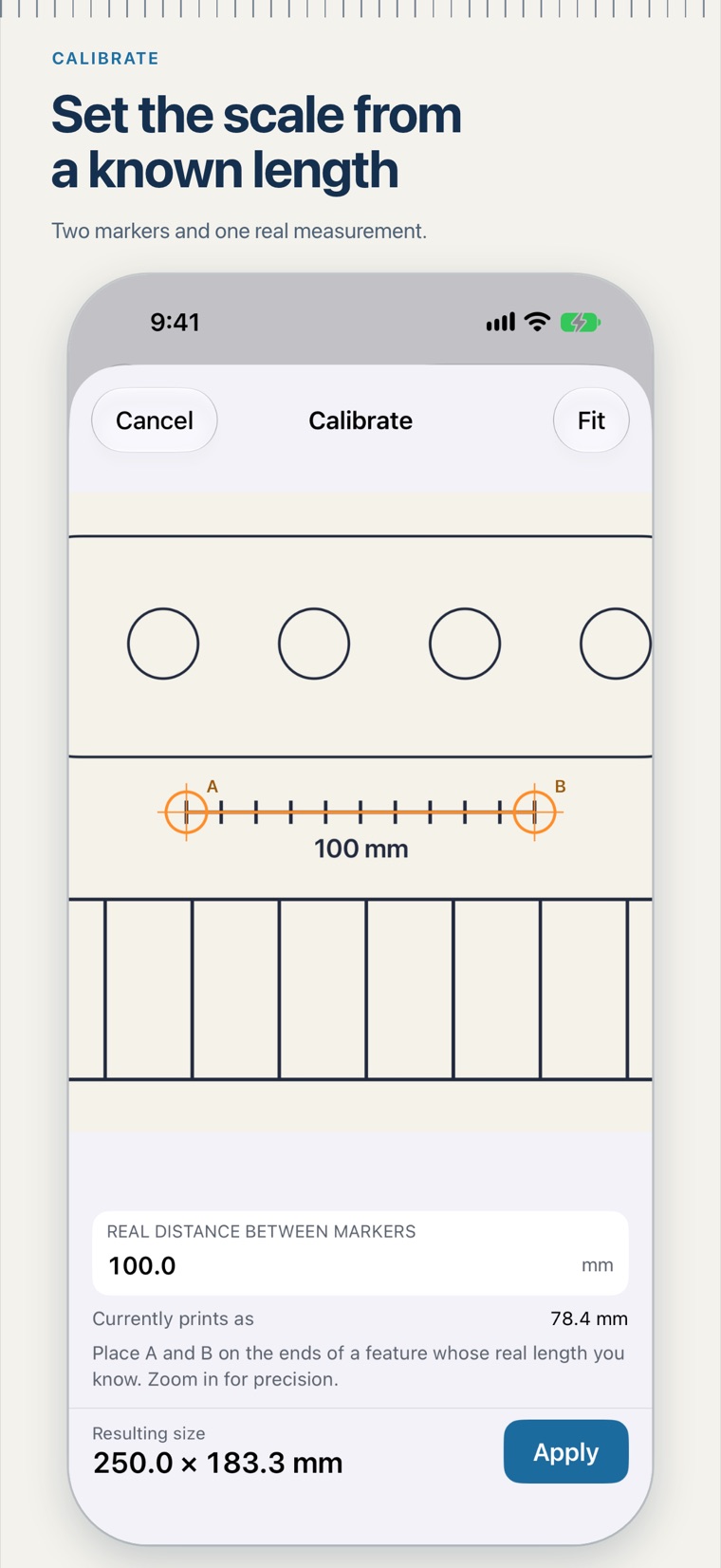
05Set the scale from a known length 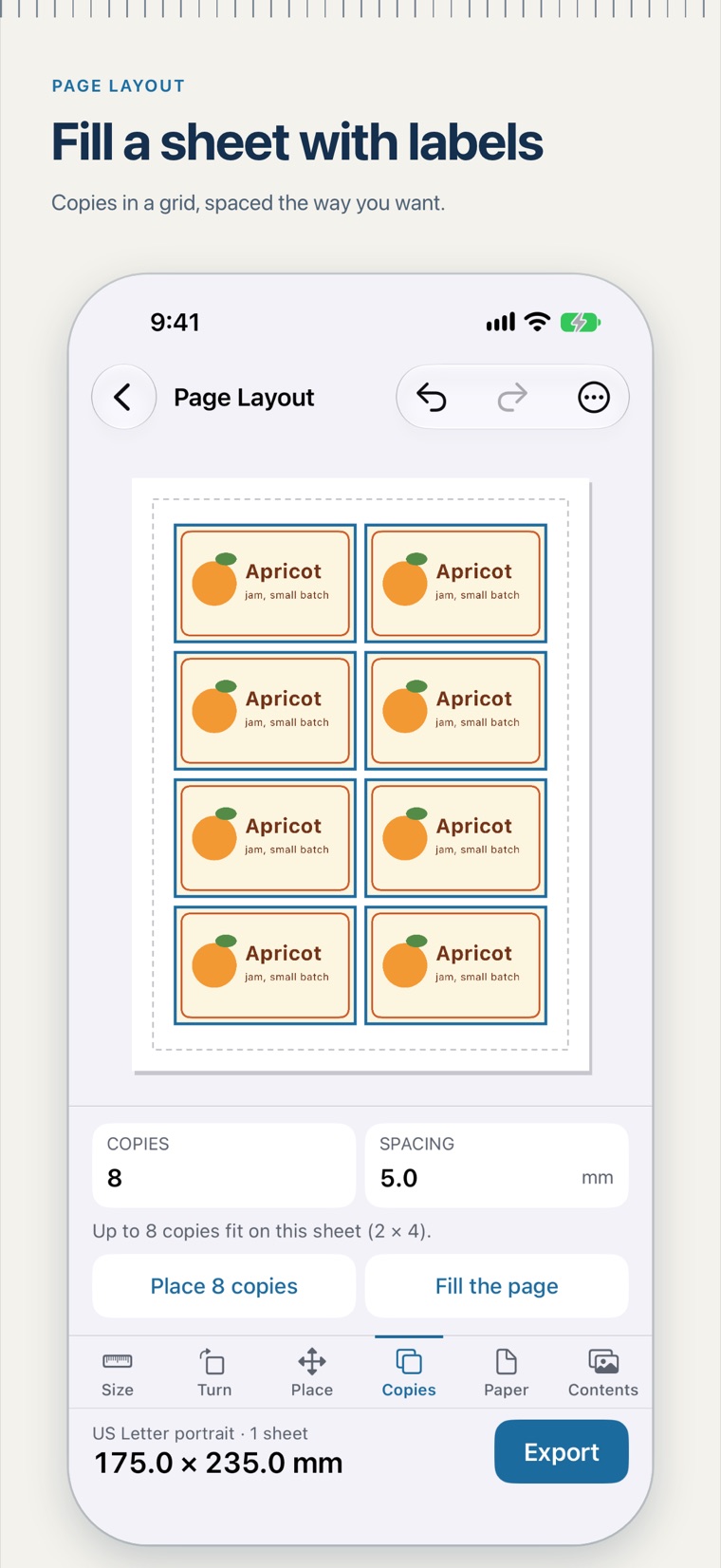
06Fill a sheet with labels 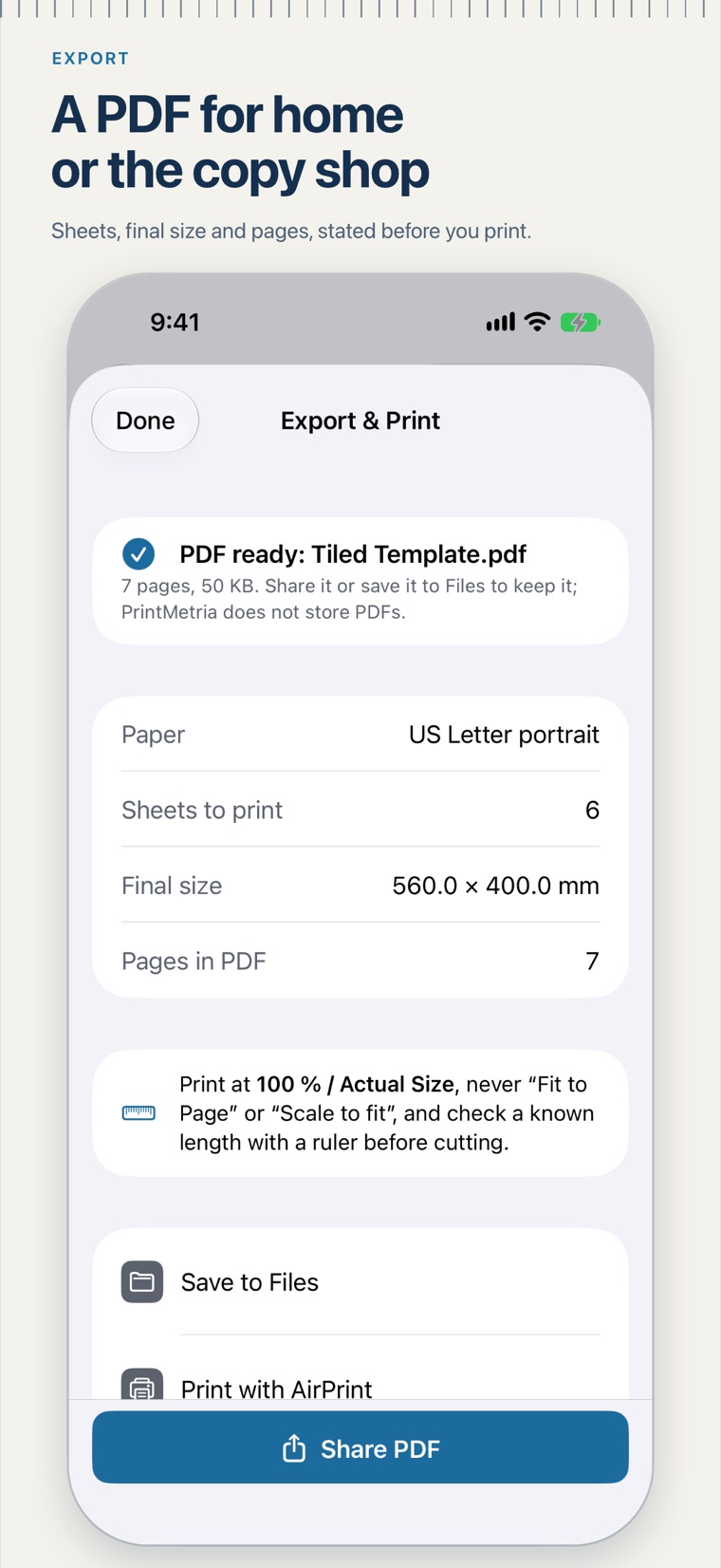
07A PDF for home or the copy shop 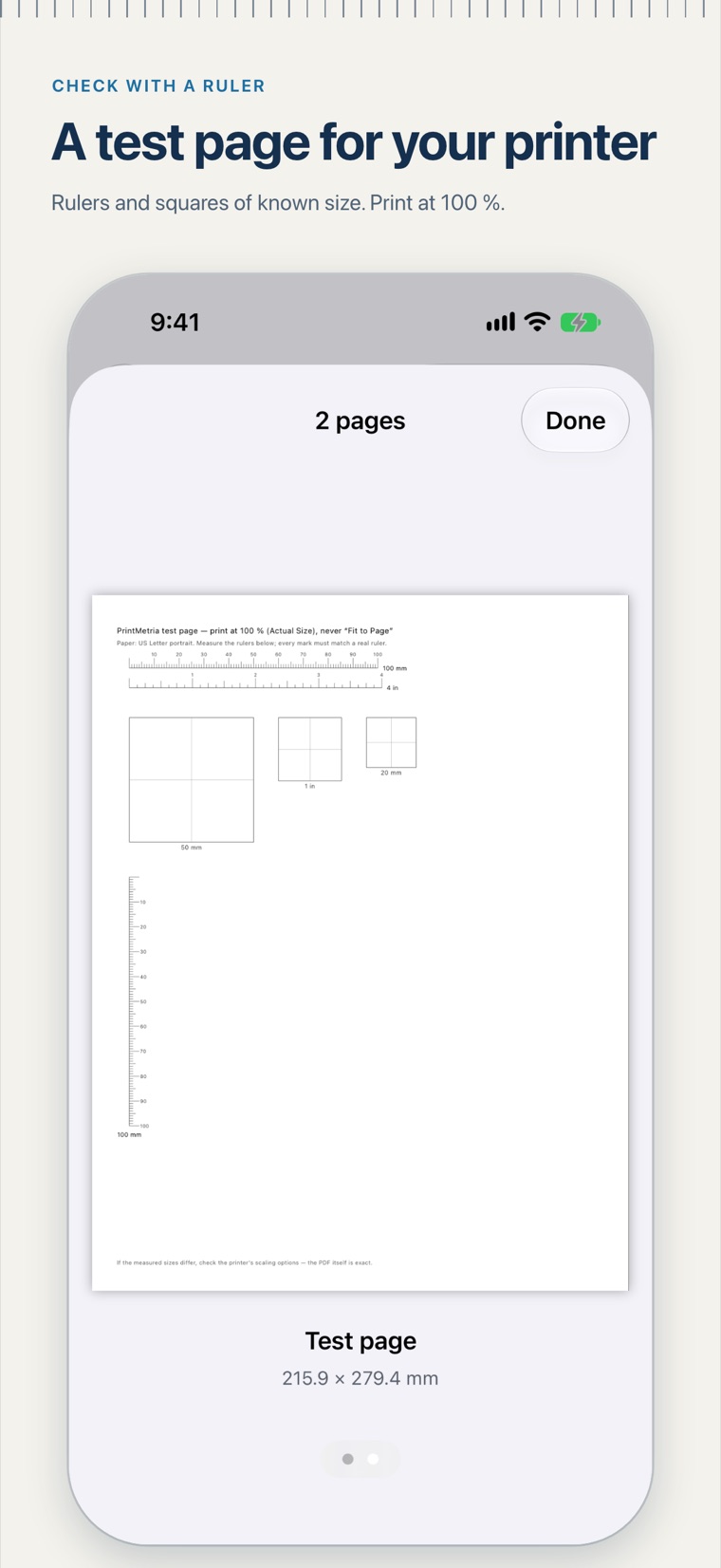
08A test page for your printer


Exact Size
- One image or one PDF page at the width, height or scale you type, in millimeters, centimeters or inches
- A PDF page comes in at the size of the page itself. If it is larger than the sheet, nothing shrinks until you say so: tile it across sheets, or shrink it and see the percentage first
- An image comes in no larger than the printable area and marked Size not verified until you give it a size
- Crop, rotate and flip. Cropping keeps the scale, so the part you keep stays the size it was
Page Layout
- Several images or PDF pages on one sheet, each at its own size
- Copies of an item in a grid: set how many and the spacing, or fill the page
- Align, distribute and stack, with snapping to edges, other items or a grid
Tiled Template
- A large image or PDF split across as many sheets as it needs, keeping its size
- An overlap you set between sheets, 10 mm to start and up to 50 mm
- Cut ticks, a dashed overlap line and registration crosses on the sheets
- Sheets labeled A1, A2, B1 and numbered, with hints naming the neighboring sheets
- A printed assembly guide as the first page of the PDF: a map of the sheets and the steps to put them together
- Skip sheets with nothing on them, or reprint only the ones you need
Two-point calibration
For a scan or a photo that contains a length you know. Drag two markers onto the ends of that length and type the real distance, and the whole image or page takes its scale from it. The result is only as good as where you place the markers and the number you type, and you can remove it at any time.
What it opens
- Photos, Files, or Open in PrintMetria from another app
- JPEG, PNG, HEIC and PDF
- Multi-page PDFs, choosing the pages you want
- Password-protected PDFs, once you enter the password
- Each file is copied into the project, so moving the original later changes nothing
Paper
A4, A3, US Letter, US Legal or a custom size, portrait or landscape, with margins set for all sides or one at a time. A new job starts on the paper and units of your region.
PDF, Files, Share and AirPrint
- Create a PDF with every page at the paper size you chose
- Save it to Files, share it, or print with AirPrint
- PDF sources stay vector. Images keep their full resolution; only those above 40 megapixels are reduced, and never below 600 dpi at print size
- Preview every page before it goes out
Check before you cut
- A test page with rulers (100 mm and 4 inches) and control squares (50 mm, 1 inch and 20 mm), added to the end of the job
- A control square of the size you choose, drawn in an empty corner of a sheet
- A thin frame around the printable area, so you can see your margins on paper
What happens on paper
What we check is the PDF. The exported file carries its sizes in points, and those are checked against independent measurements of the PDF itself. Our checks are on the file, not on printed sheets. A printer can still rescale a page, and that is outside the app’s control. Print at 100 % / Actual Size, never Fit to Page, and check the included test page with a ruler before you cut anything.
Free, with one purchase for big jobs
Every job that fits on one sheet is free, with PDF export, printing and the test page. One purchase inside the app, the full version, prints and exports jobs of more than one sheet. No subscription, no ads, no account and no sign-in.
On your device
Everything is processed on the device: no server of ours, no analytics, no AI and no third-party code. Projects and the copies of your files stay in the app’s own storage, and a PDF leaves the device only when you share it, save it or print it. The privacy policy has the detail.
Availability and help
Developed here. Supported here.
PrintMetria for Android is on Google Play. The iPhone and iPad version is in development and not yet on the App Store; its store link will appear on this page when it is released.
Questions, a measurement that came out differently, a job it should handle: write to contact@brazierlabs.com.